Introduction: Unlocking Small Business AI Visibility
You’ve heard the buzz. AI is rewriting search results, crafting answers, even influencing buyer decisions. For a small team, keeping track of small business AI visibility feels like chasing shadows. Yet understanding how AI describes your brand can mean the difference between a random mention and a front-page feature.
In this article we’ll explore two paths: building your own AI visibility analytics or leaning on a heavyweight like Salesforce AI. You’ll see costs, pros, cons, and real-world examples. Plus, get firsthand tips on setting up DIY monitoring with our own AI Visibility Tracking for Small Businesses platform. Small business AI visibility tracking for actionable insights
What Is DIY AI Visibility Analytics?
DIY AI analytics means rolling your own system. You choose open-source tools or light commercial services. You code a crawler. You parse AI responses. You tag brand mentions. Sounds nerdy? It is. But it also has perks:
- Low cost: No licence fees per seat.
- Full control: Custom rules, custom reports.
- Flexibility: Tweak for new AI assistants in minutes.
Imagine a script sending queries to ChatGPT, Claude or Bard, then scanning results for your brand name, competitor mentions, sentiment. That’s DIY in action. It fits teams who love tinkering, and those on tight budgets. You’ll learn to spot when AI flips your product in a head-to-head mention. You’ll see which phrasing gets you that coveted recommendation snippet.
To dive deeper, Learn how AI visibility works
Key Components of a DIY Setup
-
Query Engine
– Write prompts that mimic real-user questions.
– Rotate queries to reflect trends. -
Data Collection
– Use APIs or web scraping.
– Store results in a simple database. -
Analysis Layer
– Tag mentions: your brand vs competitors.
– Score results: sentiment, prominence. -
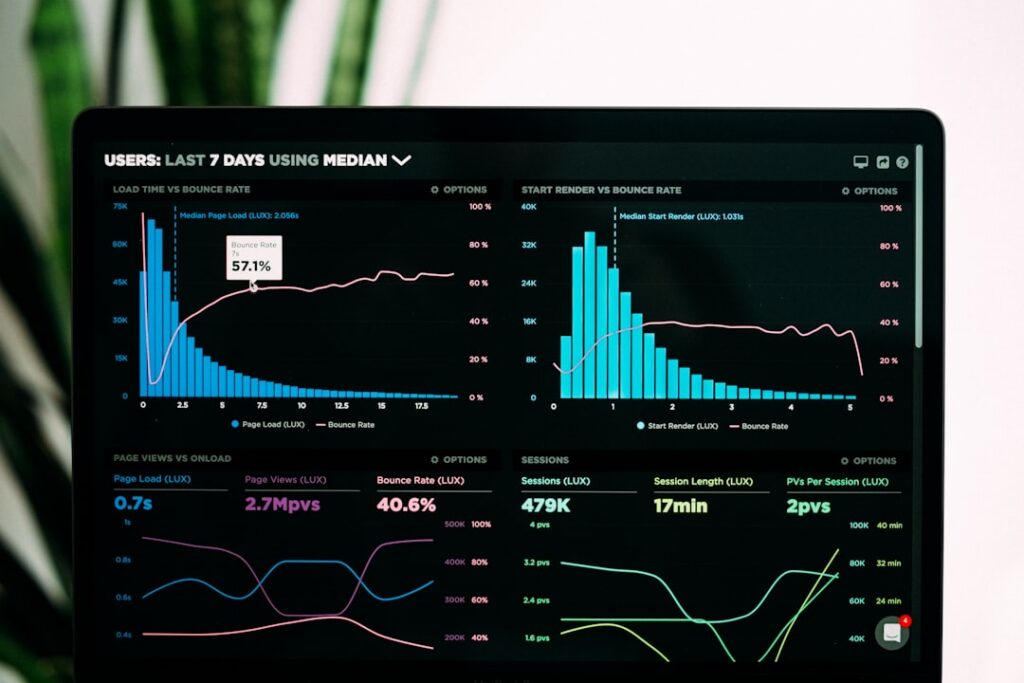
Reporting Dashboard
– Simple charts and alerts.
– Scheduled emails for key changes.
DIY gives you independence, but requires time. And if your team juggles marketing, sales and support, that effort can stretch thin.
Salesforce AI: Enterprise-Level AI Visibility
Salesforce AI embeds generative and predictive models into your CRM. It taps decades of data, unified across sales, service, marketing. It can recommend actions, draft emails, even predict churn. Here’s what you get:
- Built-in governance and security
- Context-aware insights from unified customer data
- A polished interface with drag-and-drop flows
- Scale across departments without extra coding
For large firms this shines. But for a lean small business? The licence cost can look daunting. You pay per seat, per feature. And you still may not see exactly how AI arrived at a ranking or response. That opacity can leave you guessing why AI favours a bigger competitor.
Head-to-Head Comparison
Let’s weigh DIY against Salesforce AI in core areas:
| Feature | DIY AI Visibility Analytics | Salesforce AI |
|---|---|---|
| Cost | One-off or open-source; minimal ongoing fees | Subscription model; licence fees per user |
| Customisation | Full control; code your own metrics | Limited to predefined templates and dashboards |
| Transparency | You see every step in your pipeline | Black-box AI; you trust the vendor |
| Speed to Launch | Weeks if you know code; months if you don’t | Days to set up standard flows |
| Maintenance | Your team owns updates and fixes | Vendor handles upgrades, but you adapt your use |
| Scalability | Requires reconfiguration for more queries | Built for enterprise growth out of the box |
Salesforce AI shines in enterprise workflows and security. DIY wins on price and transparency. For a small team weighing small business AI visibility, those trade-offs matter.
Cost Breakdown
A DIY toolkit might need:
- Domain hosting for dashboard: £10–£20 per month
- Cloud compute for scraping: £5–£15 per month
- Database service: £10 per month
- Developer time: variable
Total: around £50–£100 per month once set up.
Salesforce AI starts around several hundred pounds per user per month. You might need multiple seats for marketing, sales and data teams. That easily passes £2,000 monthly. Not impossible, but hefty if you’re five people deep.
Halfway through, consider this: Empower your small business AI visibility with our tracking tool
Ease of Use and Support
DIY means:
- Learning curves.
- Handling downtime.
- No official SLA.
In contrast, Salesforce AI offers:
- 24/7 support.
- Training resources.
- Guided best practices.
Still, if your team is agile and happy with community forums, DIY can feel lean and empowering. You fix bugs, you deploy new features, you bleed fewer licence fees. That freedom is addictive once you taste it.
Real-World Impact: A Case Study
Imagine you run a local bakery in Bristol. You ask AI assistants: “What are the best vegan pastries near me?” DIY tracking shows your name popping in one of ten cases. You tweak your website meta to emphasise “vegan croissants”. Three weeks later AI mentions rise to four out of ten. Sales tick up.
Now swap in Salesforce AI. It might flag search trends across your entire account, suggest a marketing campaign. But you still pay for seats, and you need an admin to schedule those insights. The tech is robust, but sometimes overwhelming for a small bakery team juggling ovens and orders.
Getting Started with DIY AI Visibility Tracking
If you’re intrigued, our AI Visibility Tracking for Small Businesses platform bundles the DIY spirit with user-friendly tools. You get:
- Prebuilt query templates
- Automated brand-mention alerts
- A visual dashboard with charts and tables
- Easy onboarding in days
It strips away server configs and script tweaks. You focus on insights, not infrastructure.
To see sample dashboards and feature lists, Explore practical GEO SEO strategies in our library.
Beyond Analytics: Integrating SEO and GEO
Visibility isn’t just about brand mentions. It’s about local reach. That’s where GEO SEO comes in. By optimising content for regions—cities, neighbourhoods, postcodes—you boost your chances of AI recommending you to the right audience.
Then you can level up further with AI SEO autopilot. It marries SEO best practices and regional SEO into one workflow. Automated content audits, geo-targeted suggestions, even auto-published posts. All hands-free.
That’s the advantage of a fully automated approach: Run AI SEO and GEO on autopilot for your business
Testimonials
“Using AI Visibility Tracking for Small Businesses has been a revelation. We saw our local search mentions double within weeks. No coding, no fuss.”
— Sophie Martin, Boutique Florist
“I wasn’t sure DIY analytics would scale, but the dashboard is so intuitive. I get daily alerts on how AI sees our café. It’s like having a full-time data analyst.”
— Alex Patel, Coffee Shop Owner
“Switching from manual tracking to an automated platform saved us hours every month. We finally know how AI assistants pick our site, and we use that to plan content.”
— Emma Li, Handmade Jewellery Brand
Conclusion
For small teams, small business AI visibility is a puzzle worth solving. DIY analytics offers low cost and clear control. Salesforce AI delivers robust features and enterprise support. Our AI Visibility Tracking for Small Businesses sits neatly in the middle: it gives you ready-made tools without enterprise price tags.
Which route fits you? If you want to start small, move fast, and stay lean, try our platform. No steep licence fees. Full transparency. Community-driven improvements.
Ready to see your brand in AI-generated answers? Start your journey to better small business AI visibility
Share
Related posts