Introduction
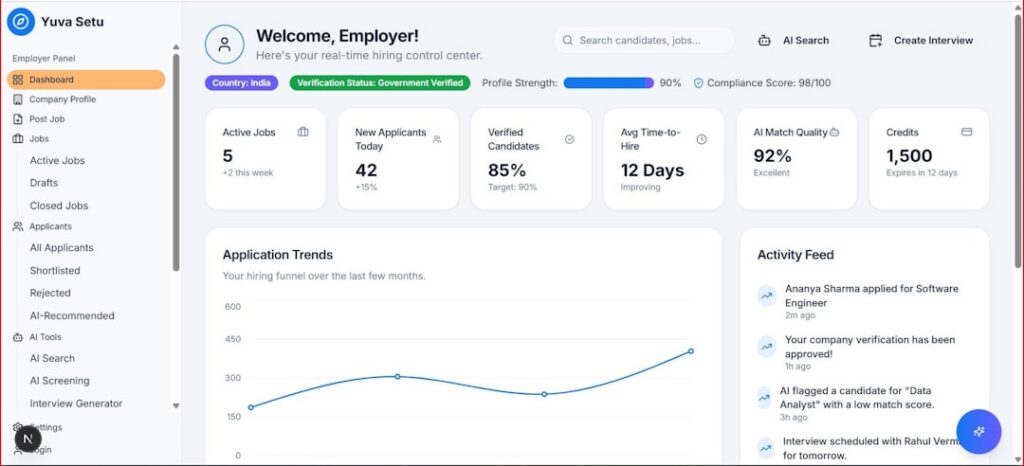
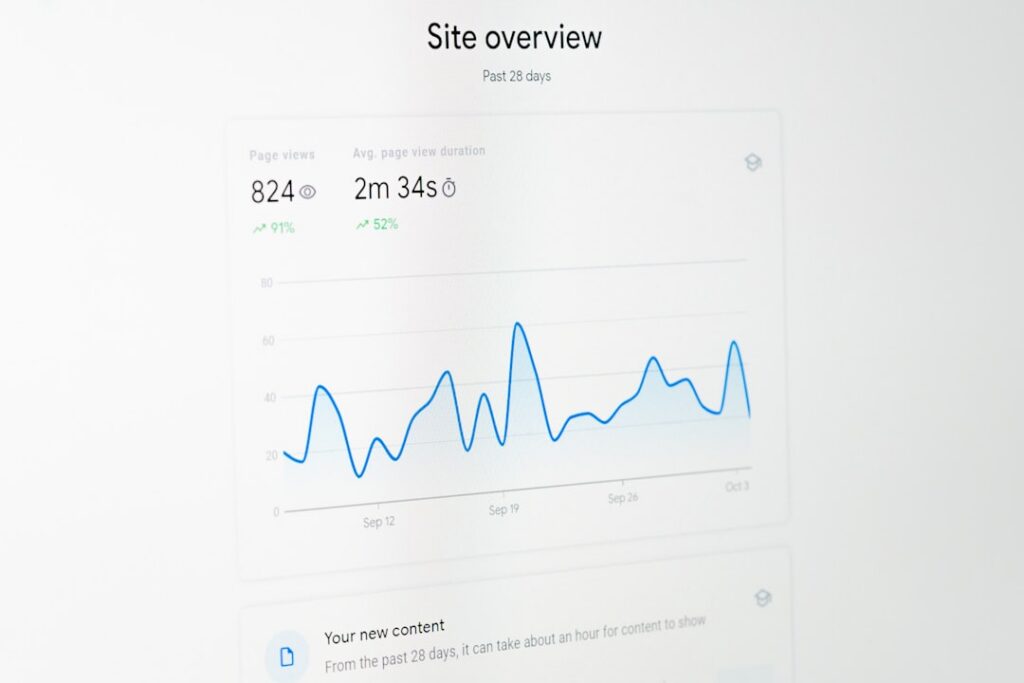
You’ve built your dashboard. It tracks AI-driven mentions and brand visibility. Nice.
But is it locked down?
Many small businesses skip security steps. They assume they’re too small to be targets.
Wrong move. Hackers don’t care about company size. They look for easy pickings.
This guide shows you how open-source AI monitoring tools can help.
You’ll learn practical steps. No jargon. No bloated enterprise suites.
Why Security Matters for Your AI Visibility Dashboard
You gather sensitive data:
– Customer queries.
– Market insights.
– Competitor comparisons.
Left unprotected, that data leaks.
Guess what happens next?
Embarrassment. Lost trust. GDPR fines.
Imagine a competitor hijacks your dashboard. They tweak your AI metrics.
Your team acts on bad data. You lose money.
Or worse, expose customer info.
Security isn’t optional. It’s survival.
And yes, you can do it with open-source AI monitoring tools.
Proprietary AI-SPM vs. Open-Source AI Monitoring
Big players tout their AI Security Posture Management (AI-SPM).
Take Wiz’s AI-SPM for example.
They’ve got slick marketing. “AI Security Posture Management (AI-SPM) for Dummies.”
It sounds great.
Strengths of Wiz’s AI-SPM
- Comprehensive scans of cloud resources.
- Built-in compliance checks.
- Enterprise-grade reporting.
Limitations of Proprietary Solutions
- High price tag.
- Steep learning curve.
- Locked-down code. No tweaks.
- Vendor lock-in. You can’t audit their security model.
Advantages of Open-Source AI Monitoring
- Free to start.
- Community-driven improvements.
- Transparent code you can inspect.
- Lightweight. Perfect for SMEs.
With open-source AI monitoring, you choose the pieces you need.
Mix and match. Keep costs low. Stay agile.
Essential Open-Source Tools for AI Monitoring
These are battle-tested in the wild. Ideal for small teams.
- Prometheus
A time-series database for metrics.
Use it for collection and alerting.
Great at handling thousands of data points. - Grafana
Gorgeous dashboards.
Show your AI visibility metrics in real time. - Open Policy Agent (OPA)
Centralise your security rules.
Define who can see what in your dashboard. - Falco
Runtime threat detection.
Monitors system calls for anomalies. - Elasticsearch + Kibana
Store and search logs.
Visualise suspicious queries.
All together, these give you a full open-source AI monitoring stack.
No vendor fees. No secrets.
Step-by-Step Guide to Securing Your Dashboard
Follow these steps. You’ll lock down your data in under an hour.
1. Install Prometheus and Grafana
- Spin up a small VM or container.
docker run -d --name=prometheus prom/prometheusdocker run -d --name=grafana grafana/grafana- Wire Grafana to Prometheus.
- Import your AI visibility metrics.
Now you have a live dashboard. But it’s wide open.
2. Encrypt Everything
- Use TLS certificates for Grafana.
- Set
HTTPS_ONLY = true. - Enable mTLS between your services.
Encryption stops man-in-the-middle attacks. Without it, your API keys fly in plain text. Not good.
3. Implement Access Control with OPA
- Write a policy:
“`rego
package authz
allow {
input.role == “analyst”
input.resource == “dashboards”
}
“`
– Deploy OPA as a sidecar or service.
– Hook Grafana queries through OPA.
Now only authorised users can view or tweak settings.
4. Add Runtime Alerts with Falco
helm install falco falcosecurity/falco- Configure rules for suspicious file access.
- Send alerts to Slack or email.
You’ll know if someone tries to tamper with your dashboard code.
5. Centralise Logs in Elasticsearch
- Ship Grafana and Prometheus logs to Elasticsearch.
- Use Kibana to search for anomalies.
- Set up alerts for unusual query volumes.
Logs = forensic evidence. You need them.
6. Regular Updates and Vulnerability Scans
- Schedule weekly
apt upgrade. - Run an open-source vulnerability scanner like Trivy.
- Patch immediately.
Outdated software is an open door for attackers.
Best Practices and Recommendations
You’ve built a solid foundation. Now polish it with these tips:
- Rotate API keys every month.
- Enforce strong passwords and 2FA.
- Use network segmentation.
- Keep your dashboard on a private subnet.
- Expose only the UI port.
- Backup configs off-site.
- Perform security drills.
- Simulate breaches.
- Time your response.
Remember, security is a journey. Not a one-and-done task.
Leveraging Maggie’s AutoBlog for Security Content
Need help explaining your security stance to customers?
Maggie’s AutoBlog has your back.
It auto-generates clear, SEO-focused blog posts.
You stay transparent. They trust you. Win-win.
Conclusion
Securing your AI visibility dashboard doesn’t require a fortune.
With open-source AI monitoring tools, you get transparency and flexibility.
DIY at your pace. Tap into community wisdom.
You’ve seen how to:
– Lock down access.
– Encrypt traffic.
– Monitor threats.
– Audit logs.
Small businesses deserve security that scales. No fluff. No hidden costs.
This open-source approach levels the playing field.
Ready to make your dashboard bullet-proof?
Share
Related posts