Why Tracking AI Voice Search Visibility Matters
Your customers are talking to Siri, Alexa and Google Assistant. They ask, you answer. Simple? Not quite. AI assistants serve answers from a pool of websites. If your small business isn’t in that pool, you’re invisible. This guide will show you how to track ai search visibility step by step, so you can see exactly where your brand pops up in AI voice responses. You’ll learn to set up prompts, compare with rivals, and read scores that matter.
You’ll walk away knowing how an AI Visibility Tracking for Small Businesses tool helps you monitor mentions, positions and sentiment across voice search platforms. No fluff, no jargon. Pure, practical steps. Ready to see your brand in voice search results? Track AI search visibility for your small business
Step 1: Set Up Your Brand Profile
Your brand profile is the base camp for any AI voice tracking expedition. It’s where you tell the tool:
- Which brand to track (yours, obviously).
- Who your top competitors are.
- Which prompts matter (buying queries, product questions, category searches).
Most platforms let you auto-generate prompts or import a CSV. Here’s a quick checklist:
- Open the AI Visibility section of your dashboard.
- Click Add Brand, then enter your name and website.
- Pick 3–5 key competitors in your niche.
- Choose initial prompts or let AI suggest them.
- Hit Finish setup and watch the first data roll in.
By doing this, you’ll be all set to track ai search visibility across leading AI assistants. No more guessing. You’ll know exactly which queries mention you, and where you rank.
Step 2: Add and Manage Your Voice Search Prompts
Prompts are the real questions people ask. You want the right ones. Think: “Best family-friendly café near me,” or “Custom bike repair London.” Adding and tweaking prompts ensures you measure visibility that drives orders.
How to add prompts:
- In the AI Visibility tab, find Tracked Prompts.
- Click + Add Prompt.
- Choose to auto-generate or upload your own list.
- Save and start tracking.
Start with prompts tied to buying decisions: comparison queries, product-level questions, category searches. Over time, trim underperformers and add fresh, high-intent phrases.
Feeling curious about how AI picks your site? Understand how AI assistants choose which websites to recommend This deep dive will help you fine-tune your prompts and spot hidden opportunities.
Step 3: Explore Your AI Voice Search Dashboard
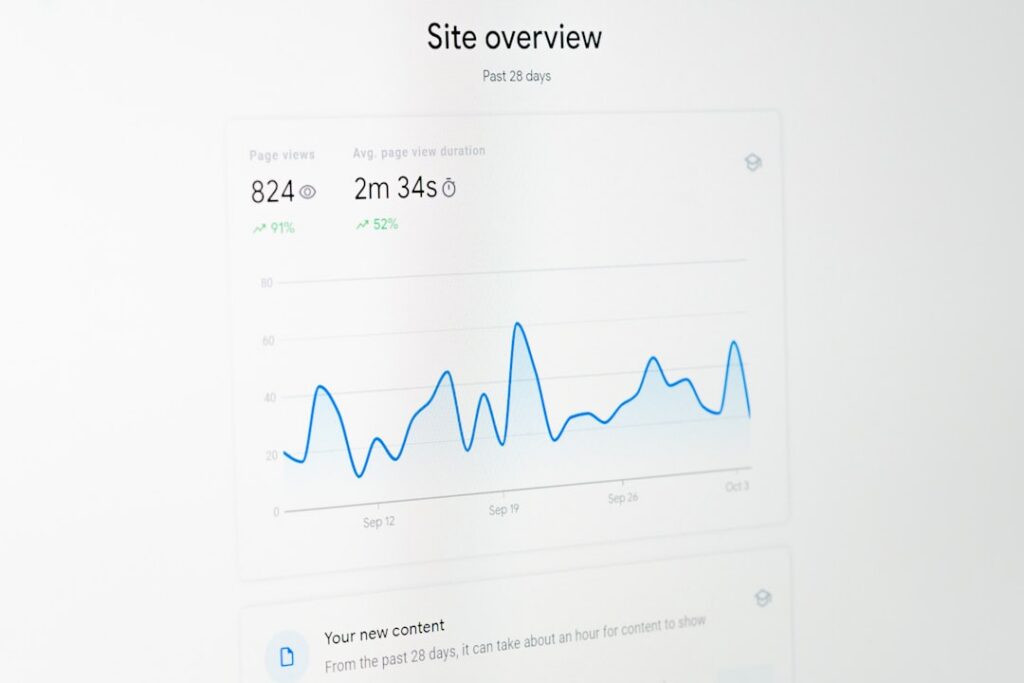
Your dashboard is your control centre. Here’s what you’ll see:
- AI Visibility Score: Percent of prompts where your brand appears.
- Average Position: How high you rank in voice results.
- Average Mentions: Mentions per platform, per day.
- Share of Voice: Your mentions vs competitors.
- Sentiment: Positive, neutral or negative tone.
Below these metrics, you’ll find:
- Tracked prompts and their performance.
- Competitor analysis charts.
- Competitive gap analysis.
- AI referral data (requires a tracking snippet on your site).
Treat the dashboard like a compass. It points you to prompts that need more content, or competitors sniffing your turf.
Step 4: Track Progress Over Time
Trends tell the real story. One-off checks won’t cut it. Here’s how to track progress:
- Open your brand dashboard in the AI Visibility section.
- Select a date range at the top.
- Compare visibility scores, positions and sentiment week over week.
- Look for spikes (new content) and dips (algorithm shifts).
Different plans offer varying history windows. Even with a basic plan, you’ll see 30 days of data. Premium tiers let you stretch that to 24 months. Tracking over time lets you spot patterns, test ideas, and refine your strategy.
Halfway there? If you’re ready to start tracking performance on autopilot, Start to track AI search visibility in real time
Bonus Tips to Improve Voice Search Visibility
- Optimise for question phrases.
- Add structured data (FAQs, how-to snippets).
- Focus on local intent (“near me,” neighbourhood names).
- Keep answers concise (under 40 words).
- Monitor sentiment and address negative mentions fast.
And don’t forget GEO factors. Your region matters. If you want your café recommended by a voice assistant in Bristol, you need GEO-focused SEO. Explore practical GEO SEO strategies to boost your local presence.
How Our AI Visibility Tracking Stands Out
You’ve seen big-name tools that promise everything: SEMrush, Ahrefs, Moz. They track general SEO metrics well, but they:
- Lack dedicated AI voice search modules.
- Overwhelm small teams with complex dashboards.
- Charge enterprise prices.
Our AI Visibility Tracking for Small Businesses tool cuts through that noise. It offers:
- Simple setup in minutes.
- Voice search-focused metrics.
- Clear, actionable insights.
- Affordable plans for solo founders and SMEs.
Plus, it’s built with community input. That means fast updates and responsive support. No locked-in features. Just straightforward voice search tracking.
Want automated reporting? Run AI SEO and GEO on autopilot for your business
Ready to Take Control of Your Voice Search Results?
You’ve got the playbook. Now it’s time to see your brand in action. No more wondering if voice assistants even know you exist. Let’s get you on the results page.
Share
Related posts